Threshold
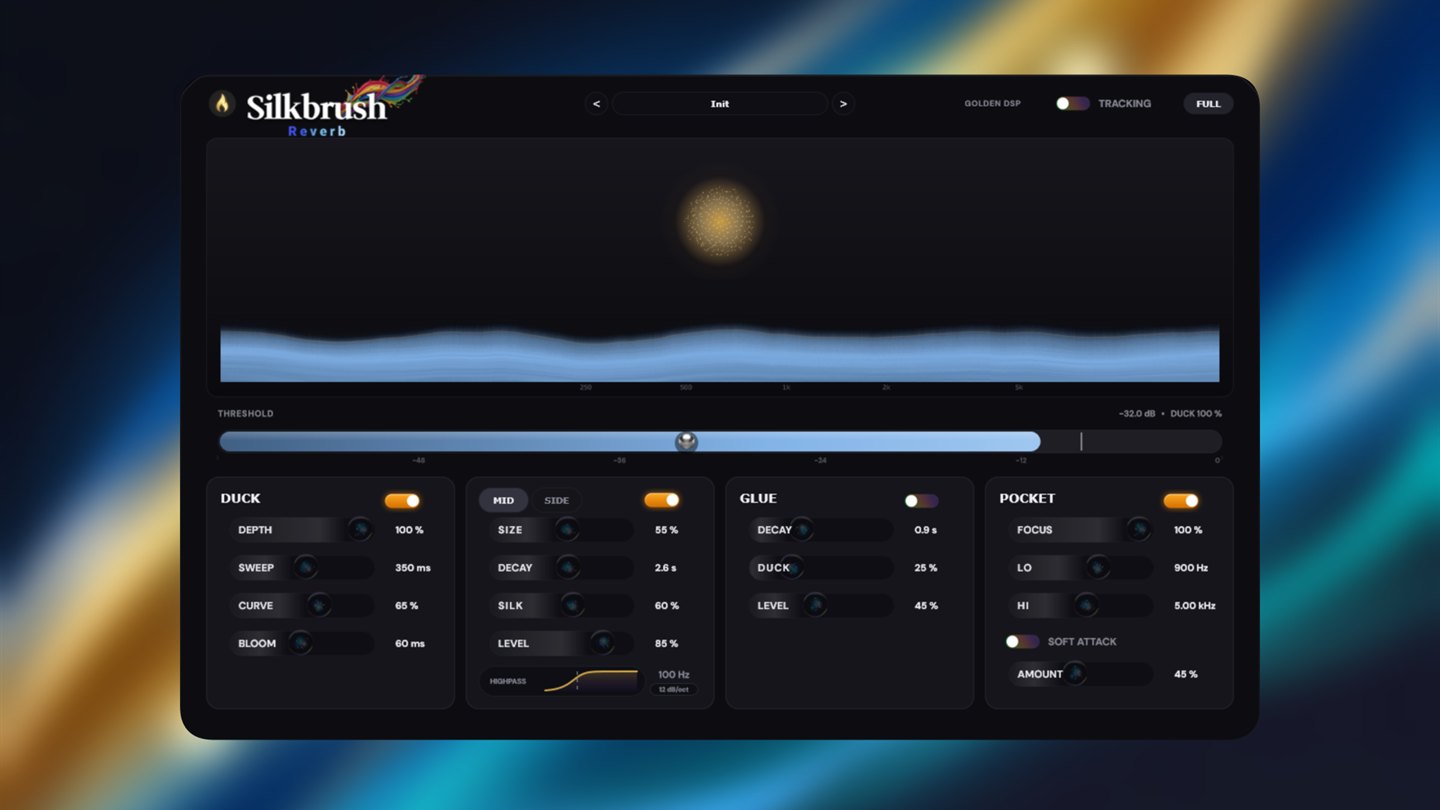
One slider sets the exact level that triggers the duck and the frequency carve. Above it, Silkbrush works. Below it, the tail is left completely alone.
All the lush, wet reverb you want. Zero mud. Zero sidechain routing.

What's under the hood
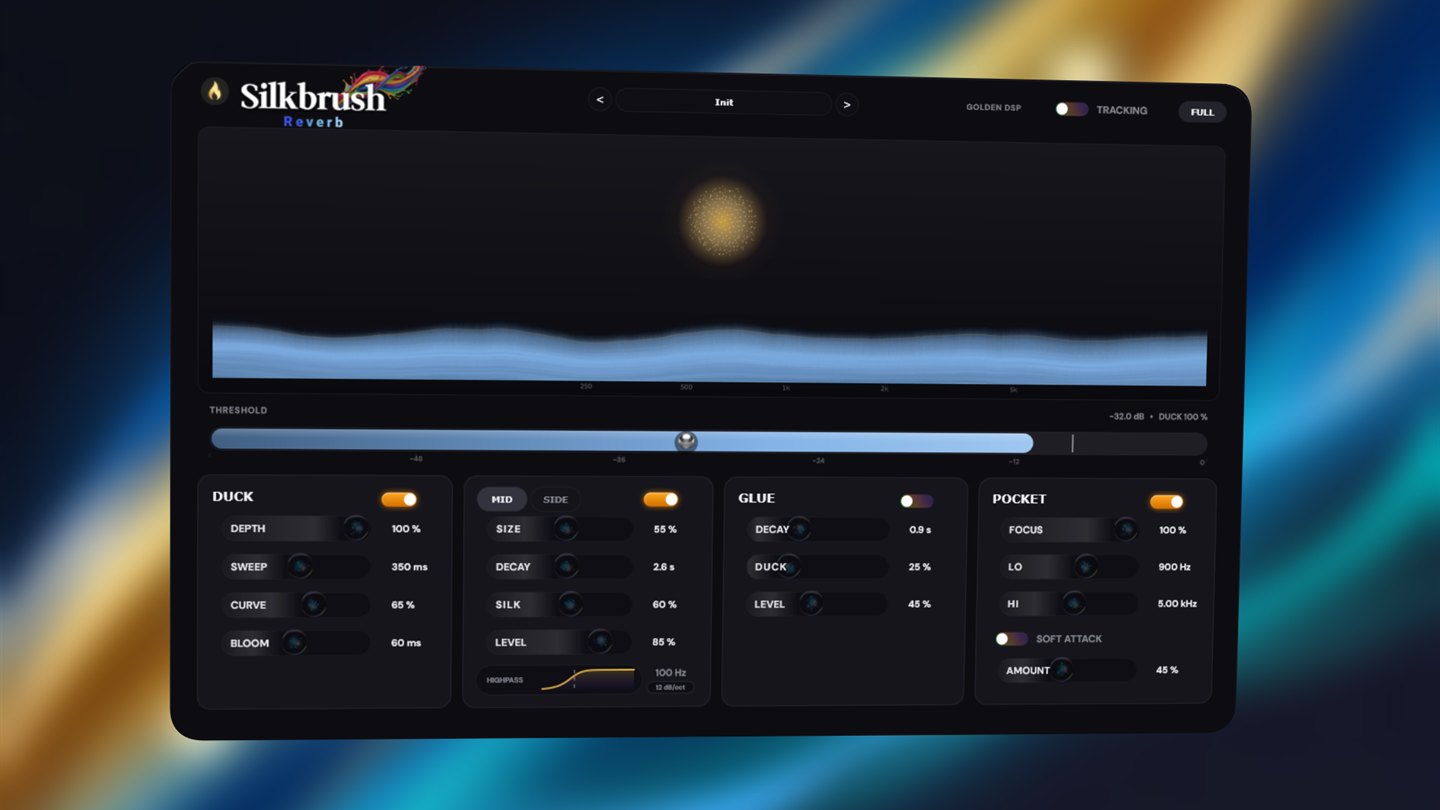
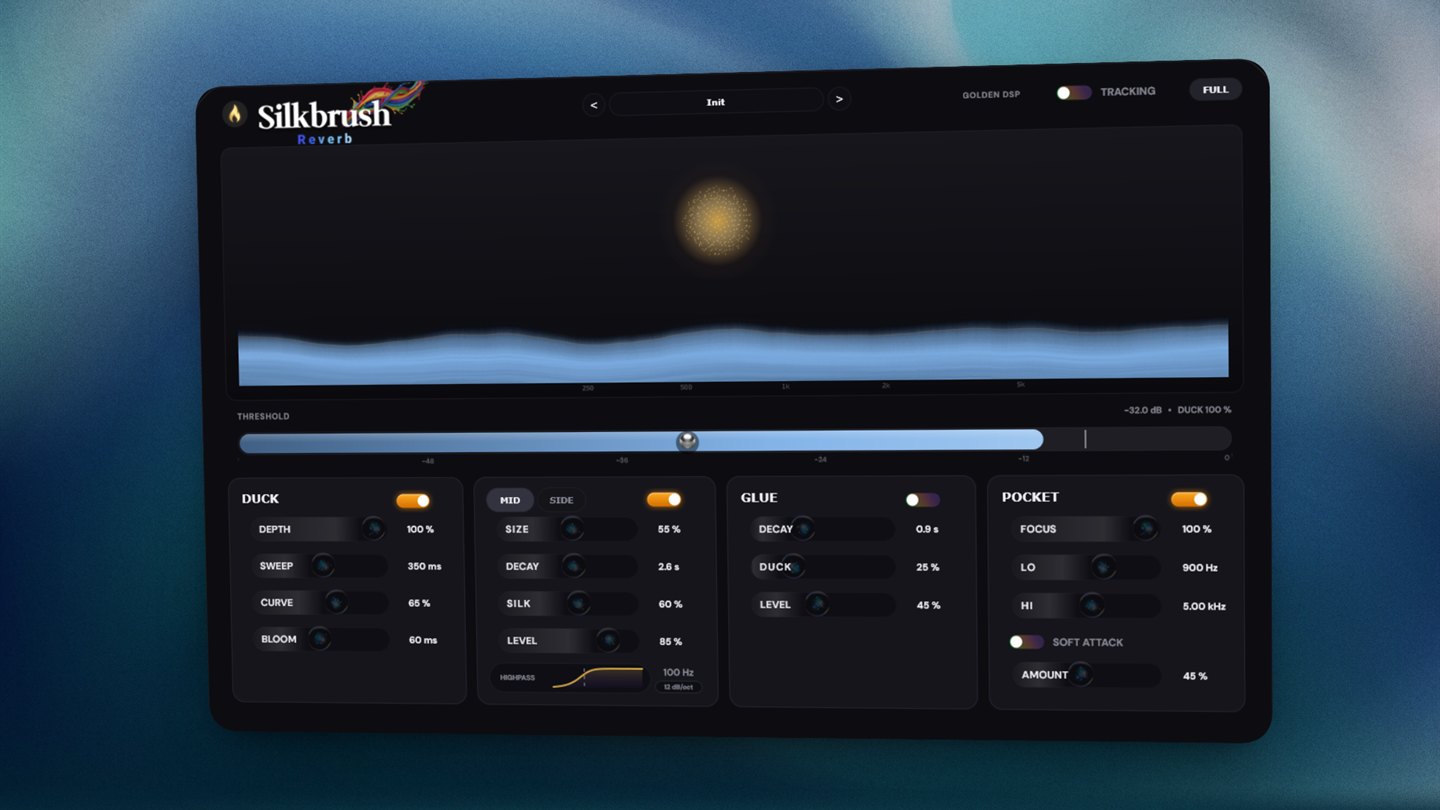
One slider sets the exact level that triggers the duck and the frequency carve. Above it, Silkbrush works. Below it, the tail is left completely alone.
Wherever the dry signal is loudest, Silkbrush scoops the same region out of the wet — and only for as long as it needs to. What you lose is the masking. What you keep is the size.
Two independent engines. The mid stays tight so the centre never smears; the sides get the silky high-frequency reflections that make a mix feel like a room.
Rounds the leading edge of what hits the tank, so a drum break gets air and depth instead of a spray of harsh, smeared clicks. Ambient glue without the metallic edge.
“Vocal Pocket makes the processing more frequency-conscious… That basically leaves low-end weight and high-frequency air in place.” Tomislav Zlatic · Bedroom Producers Blog
The duck
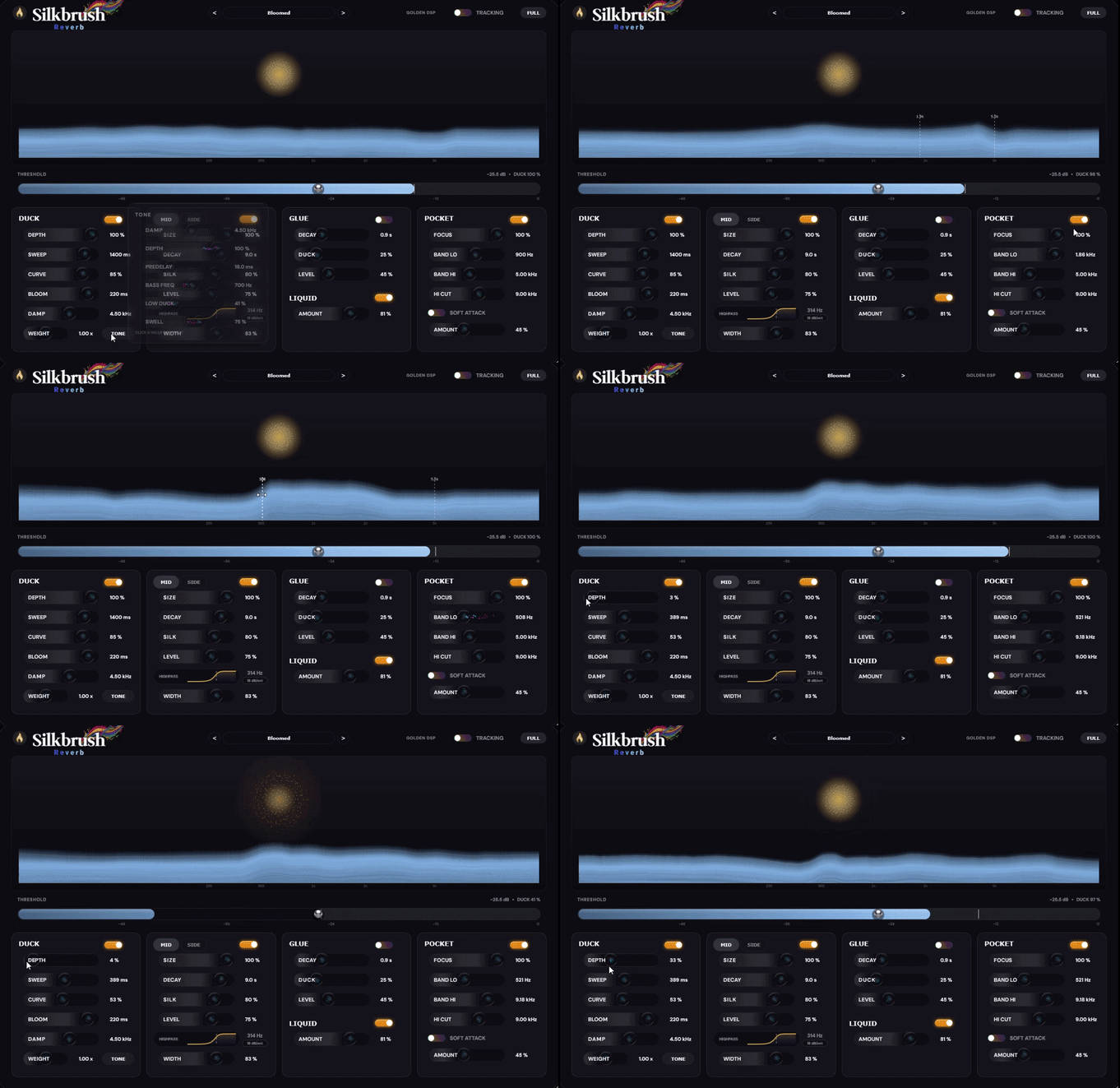
Silkbrush pulls the tail down under every phrase and releases it into the gaps — a slow, shaped retreat, never a gate. The orb blooms and contracts with the live state of the tail, and the analyser draws the threshold and the pocket straight onto the spectrum. No routing, no guessing: you can watch it happen.
The old way
A send. A high-pass to keep the low end out. A de-esser so the tail doesn't hiss. A compressor keyed off the dry. Then the routing to feed it — and the half hour of tuning that never quite lands. Silkbrush is all of it, in one insert.
And the rest of it
Vintage, Lexicon-style character — or switch it off for a clean, modern space.
A short second space behind the main tail that smears the long decay into something continuous.
Production-ready starting points for vocals, drums, keys and pads. Usable as-is.
Execution times as low as 0.4 ms. Stack it across a session and your buffer won't notice.
Specifications
Windows note — our installer isn't code-signed, so Windows may show an “Unknown Publisher” or SmartScreen warning. That's expected. Choose More info → Run anyway, or use the manual ZIP installer included with your download.